
Three ways to play
With a friend
Open a private room and send one invite link. You each play from your own device.
Create a roomAgainst the AI
Practise against a computer opponent whenever you like, without waiting for anyone.
Play vs AIWhat's at the table
The room has what two players need, so nobody has to set up a separate call or keep score on paper.
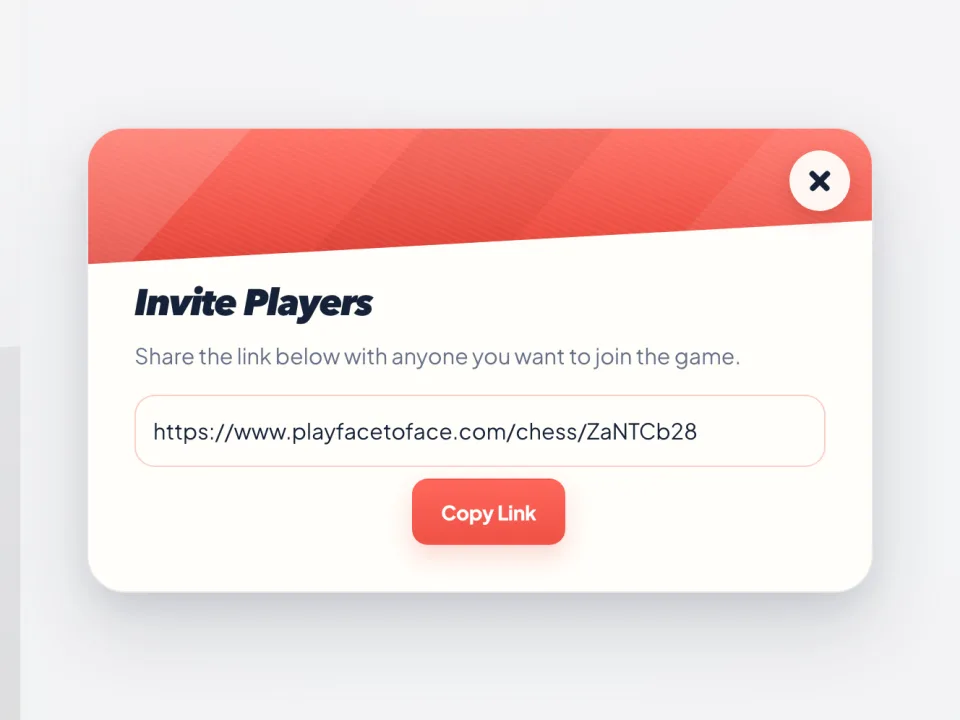
Invite in one tap
Share or copy the room link from the board. Your friend joins from their own browser, with no account.
See each other while you play
Start a video call from the table and each camera sits beside its player. Cameras are optional.
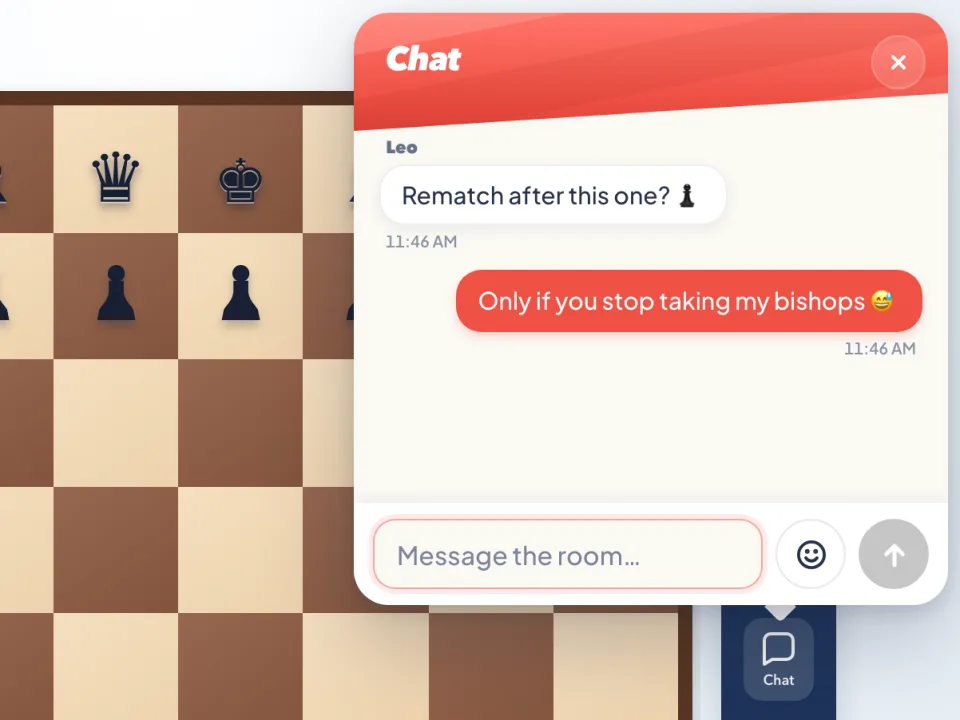
Chat and quick emoji
In a private room, send a message or a reaction without leaving the board.
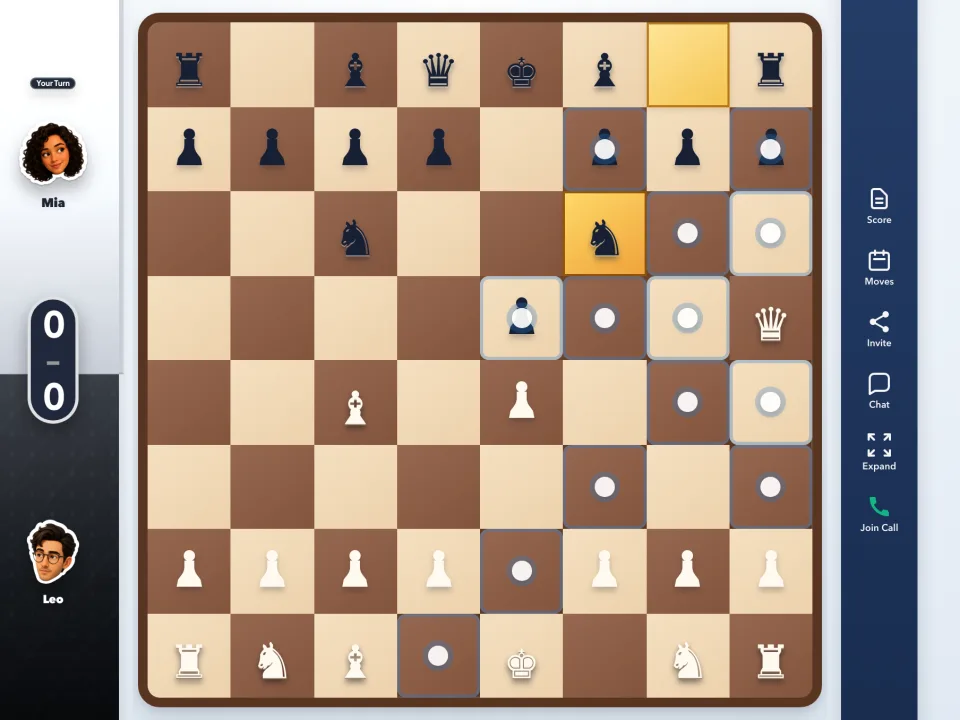
Legal moves shown
Pick up a piece and the board marks the squares it can reach. Illegal moves are refused, and the last move stays highlighted.
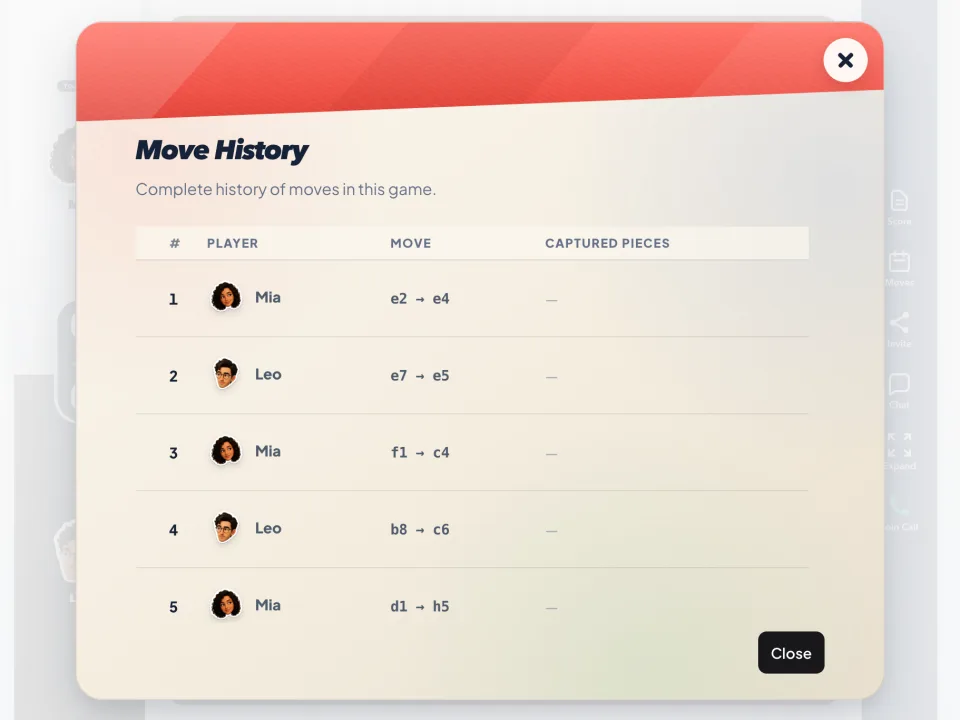
Every move on record
Open Moves at any point to read back the whole game so far.
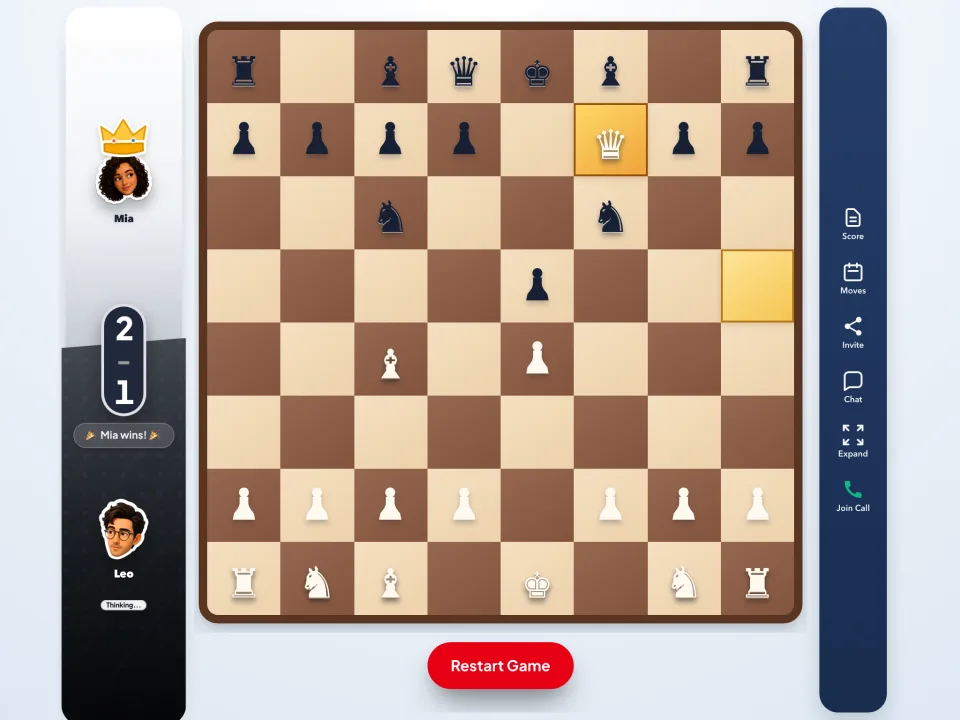
A running score
The table counts wins between you two, and Restart Game sets up the next board.
Room to watch
Once both seats are taken, anyone else who opens the link can watch the game.
Before you play
Can I play Chess with one friend?
Yes. Start a private game, share the invite link and play from separate browsers. Optional video chat can stay beside the board.
Can I practise against AI?
Yes. Solo mode gives you a computer-controlled opponent whenever you want to practise.
Do I need a Chess account?
No. Open the game in a modern browser, choose a name and start playing. There is nothing to install.
Is it free?
Yes. Private rooms, public matches and games against the AI are all free to play.
How long do I get for each move?
Each turn has a 30-second clock, shown as a ring around your avatar. If it runs out, the game plays a move for you.
Can I play on my phone?
Yes. The board works in your phone's browser as well as on a computer.
More games for your table

Spotted a mistake or have a question? Send feedback