
Three ways to play
Against the AI
Practise any time against three AI players. A good way to learn the five-card hands.
Play vs AIWhat's at the table
Everything a game night needs is built into the room, so nobody has to juggle a separate call or a scorepad.
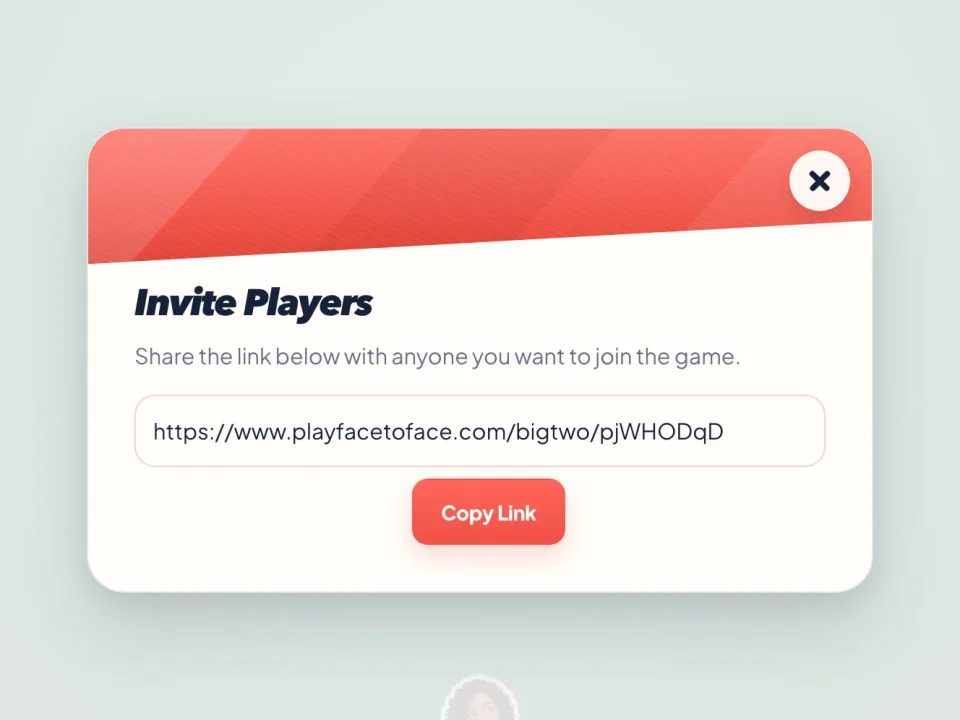
Invite in one tap
Share or copy the room link from the table. Friends join from their own browser, with no account.
See each other while you play
Start a video call from the table and each camera sits in its player's seat. Cameras are optional.
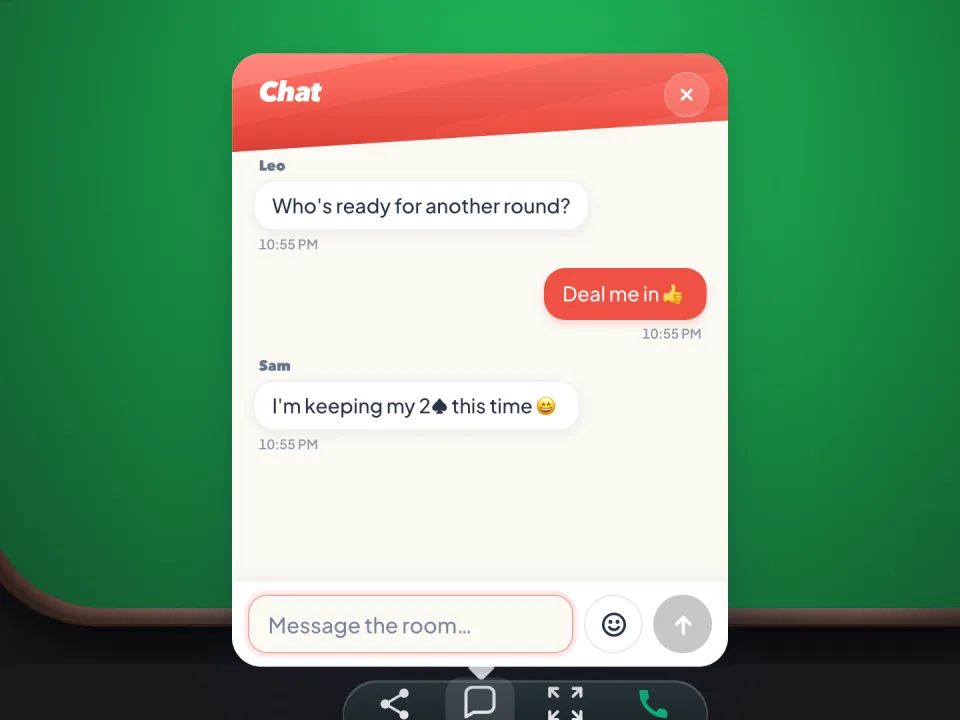
Chat and quick emoji
Send a message or a reaction without leaving the game.
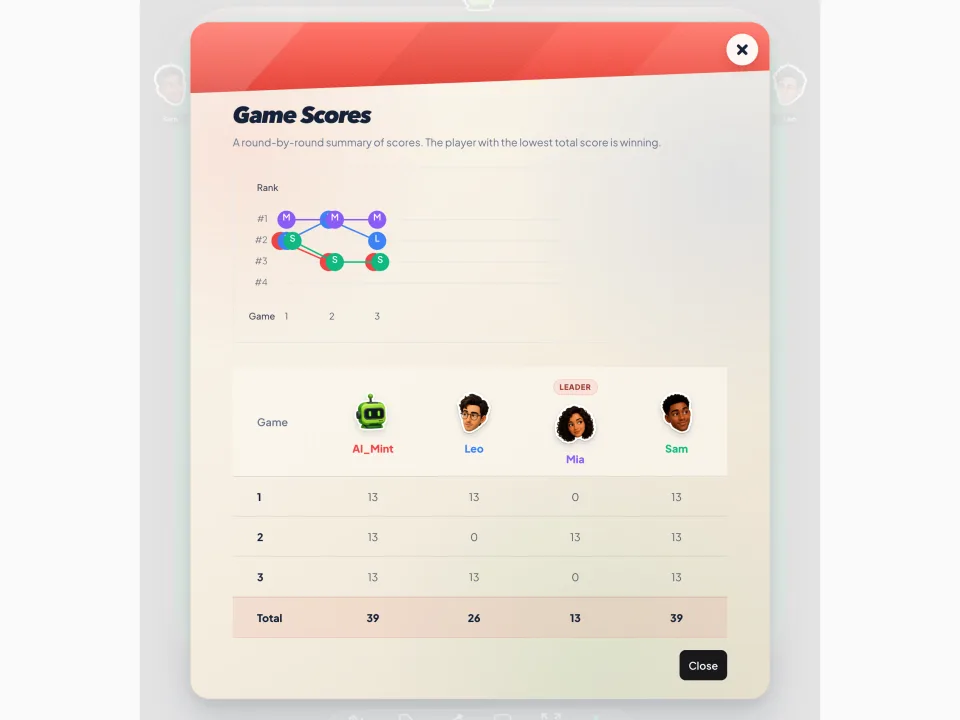
Scores across rounds
The table keeps score round by round, so the night ends with a winner.
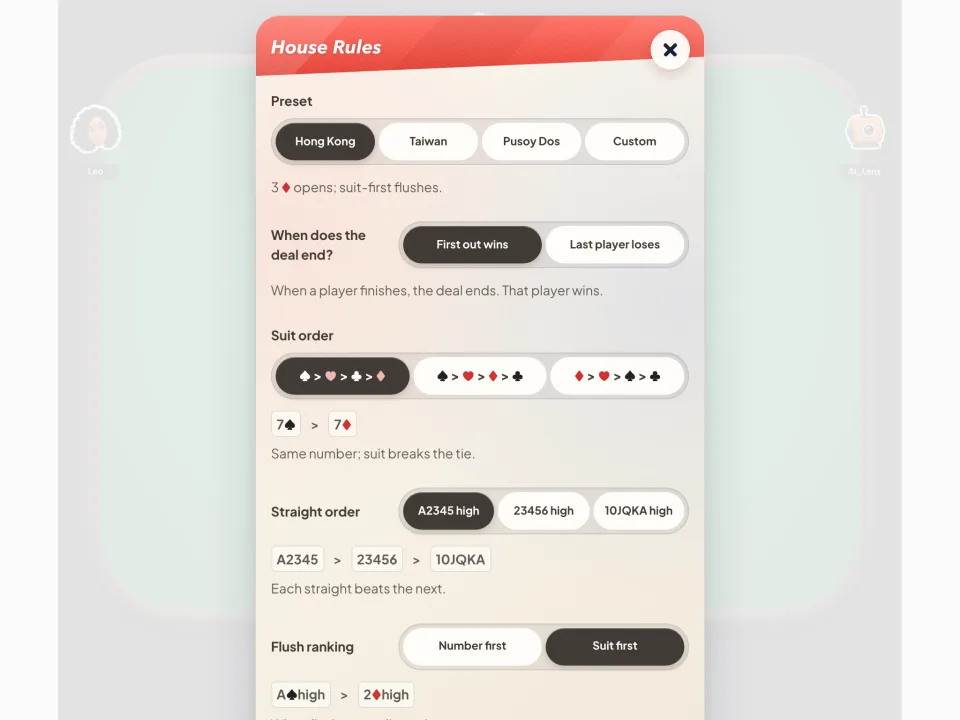
Your house rules
In a private room, start from Hong Kong, Taiwan or Pusoy Dos rules and adjust them to how your group plays.
Start a room in seconds
Pick a name, create a room and send the link to three friends. Turn on video if you want to see each other while you play.
Before you play
Can I play Big Two with friends?
Yes. Start a private game and send the invite link to your friends. Optional video chat can stay beside the table while you play.
Can I practise against AI?
Yes. The solo mode fills the other seats with computer-controlled players so you can practise without waiting for a group.
Do I need an account or an app?
No. Big Two runs in a modern browser and you can start without creating an account or installing an app.
Is it free?
Yes. Private rooms, public matches and games against the AI are all free to play.
Can I play on my phone?
Yes. The table works in your phone's browser as well as on a computer.
More games for your table
Spotted a mistake or have a question? Send feedback